Notes
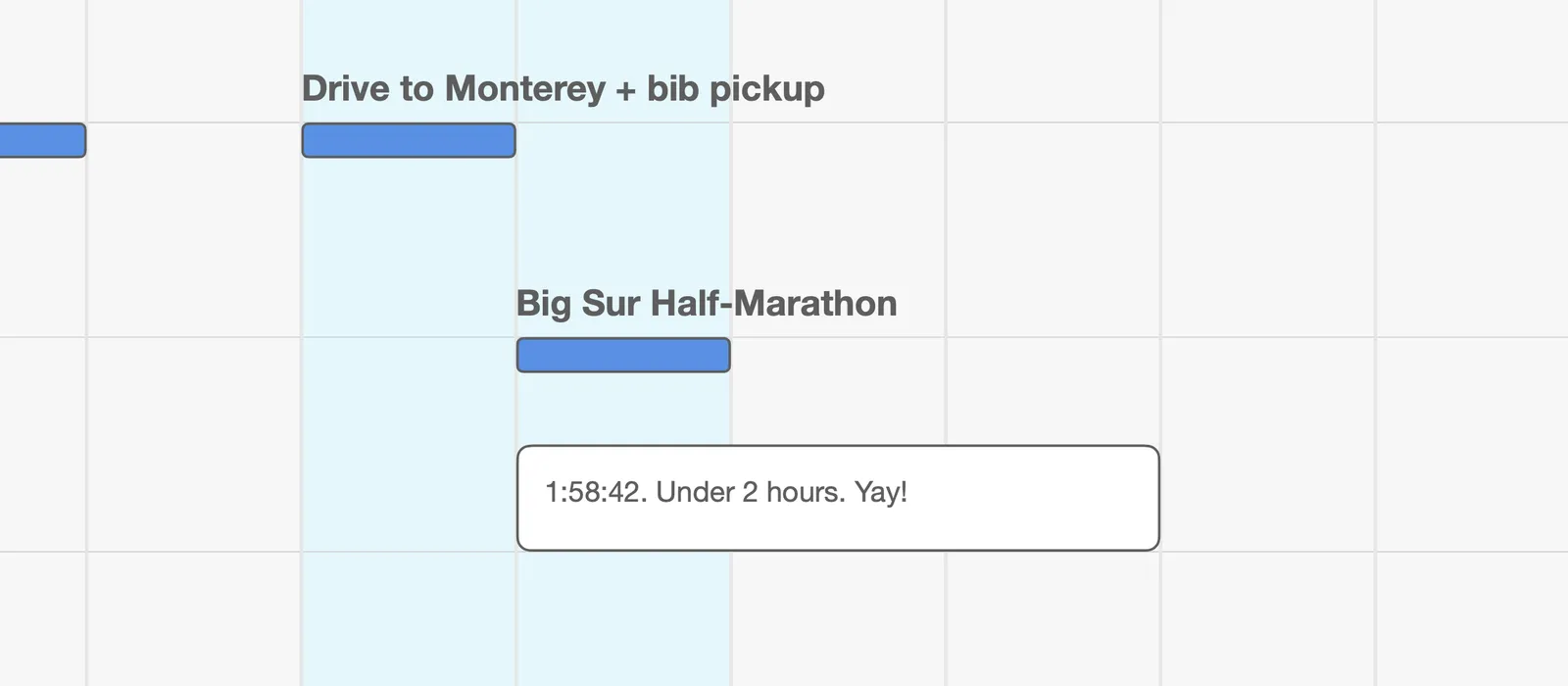
Plans come with words attached: why a goal matters, how race day actually went, the decision you made and the reason for it. A Note is where those words go. It’s a box of text on the canvas, placed wherever it belongs.
A Note has no status and no span to track. It isn’t work; it’s there to be read.
Creating a Note
Section titled “Creating a Note”Right-click where it belongs, inside a Dimension, Goal, or Project, and choose Note. It appears where you clicked, with a text cursor already inside, so you can start typing. Click away when you’re done.
You can also use the menu bar. Select a container first by clicking its header, then choose Item ▸ New Note (Cmd+L). The Note goes into that container, as close to the middle of the window as there’s room.
Editing
Section titled “Editing”Double-click a Note to edit it, or right-click it and choose Edit. Return starts a new line. Click away to save, or press Esc to discard your changes.
Size and space
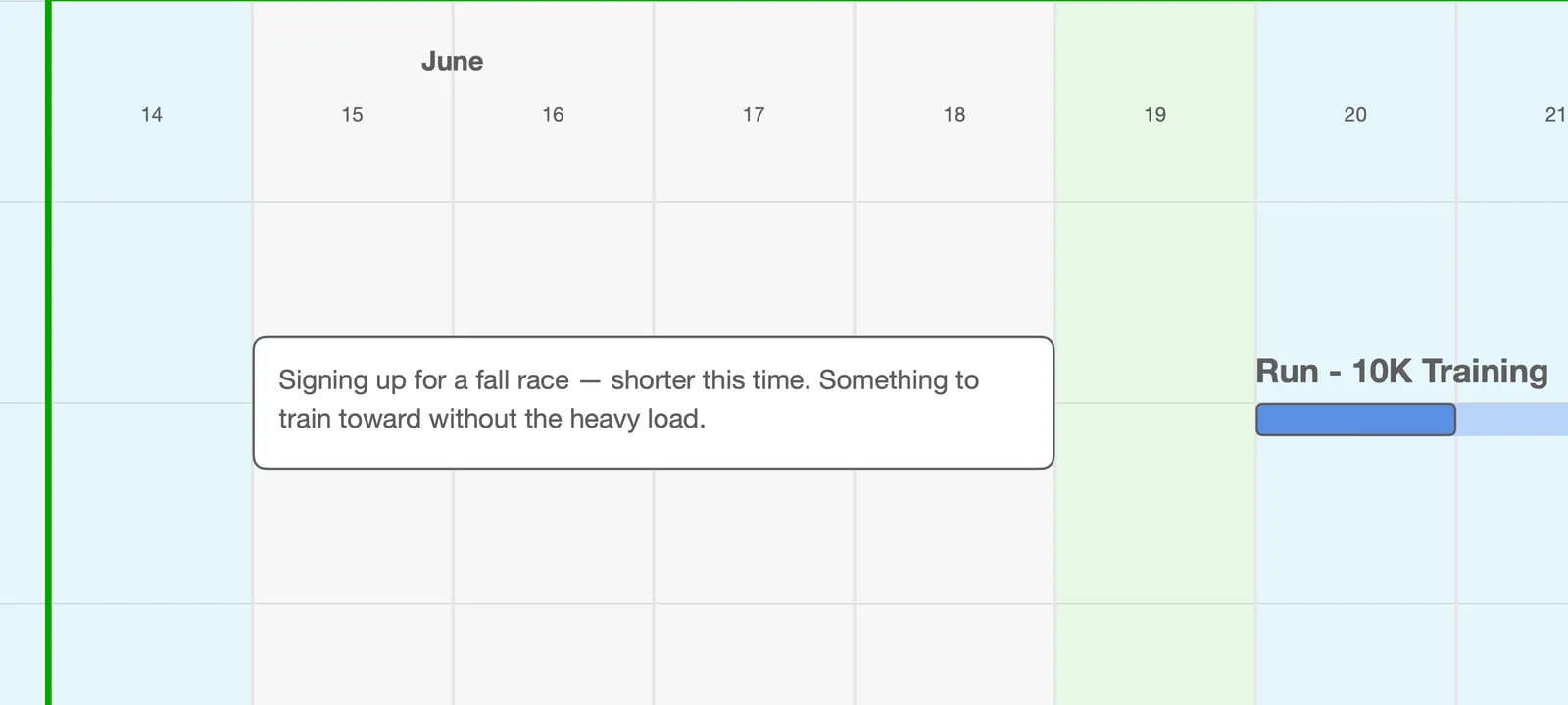
Section titled “Size and space”Click a Note to select it, then drag it to move it. With it selected, drag any edge to make it wider, narrower, taller, or shorter.
The box doesn’t grow on its own. If you write more than fits, the extra text is kept but hidden, so resize the Note to make room: drag the bottom edge down, or the right edge out.
Like Actions, Notes need clear space. A Note can’t overlap other items, so if the spot you want is taken, make room first.
Copying and removing
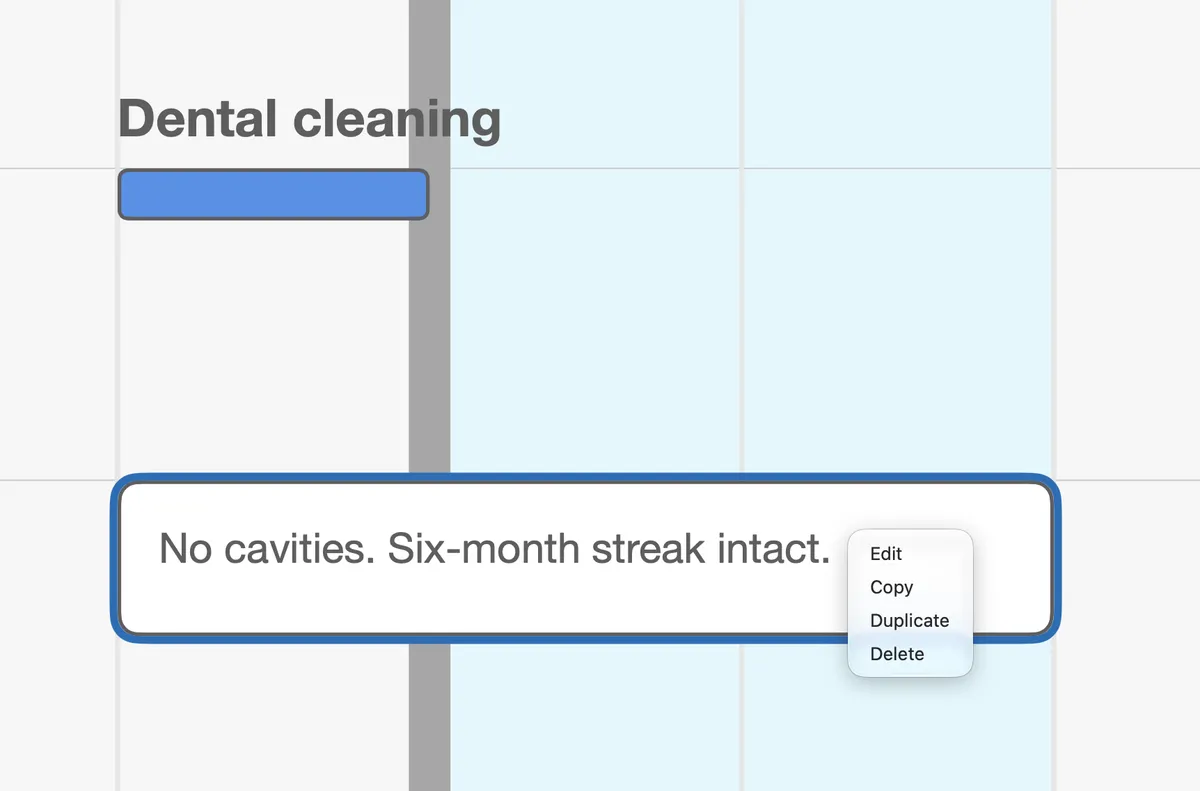
Section titled “Copying and removing”Right-click a Note for Edit, Copy, Duplicate, and Delete.
A Note or a comment?
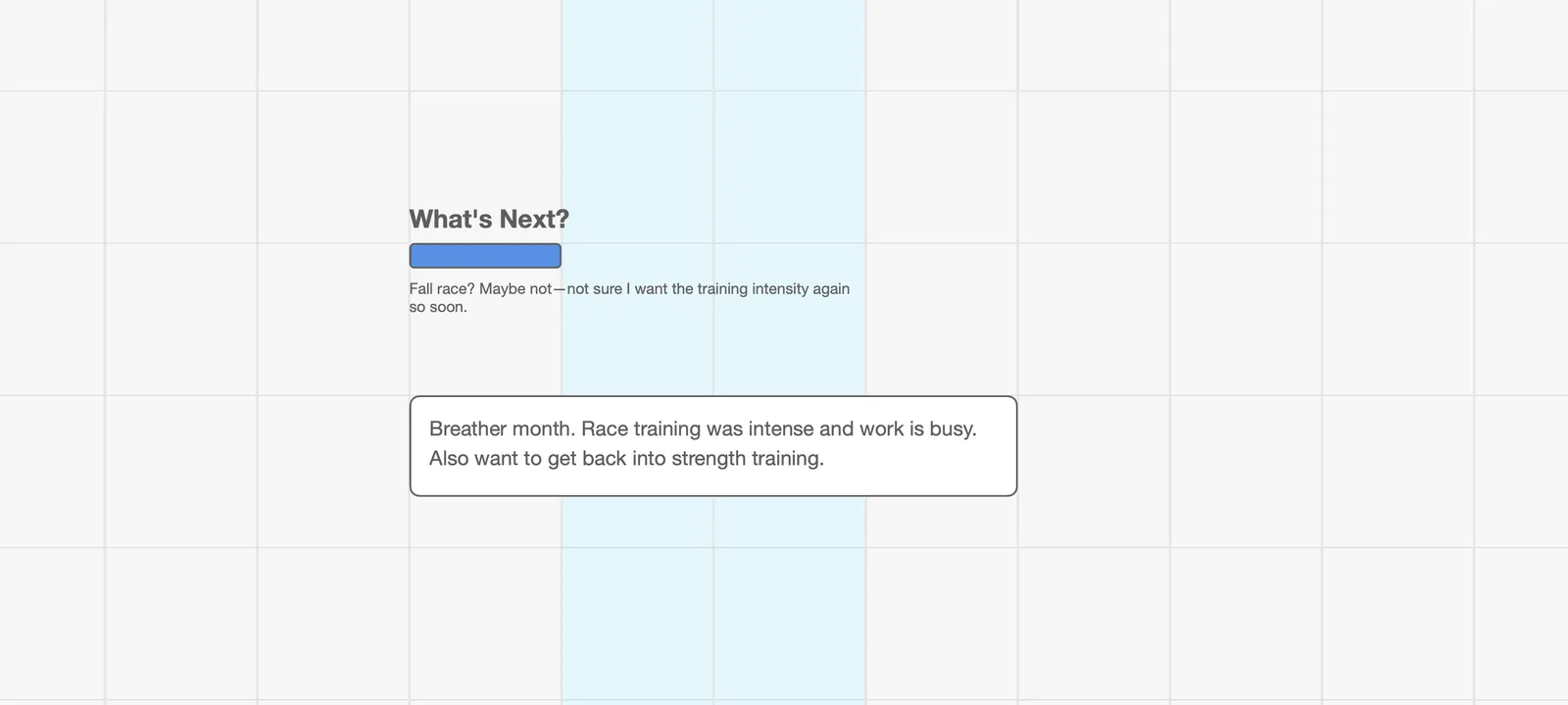
Section titled “A Note or a comment?”Every Action has room for a short comment under its bar (see The Three Action Types). The two do different jobs.
- A comment belongs to one Action. It’s a line or two about that piece of work, and it moves with the Action.
- A Note stands on its own. Use one when the words are about more than one thing, run longer than a couple of lines, or aren’t about work at all.
And if what you want to record is really something to do, make it an Action. A Note can’t be marked done; an Action can.
Try it
Section titled “Try it”Find the last thing on your map that finished, a race, a launch, a hard week, and put a Note next to it saying how it actually went. A few months from now, that line will be the most useful thing on that part of the map.
Next: Vision Boards →