Welcome to Jupiter
Jupiter puts your entire life on one canvas. Every goal, project, and daily action, across every area of your life, laid out on a timeline you can zoom. Instead of managing your life across a dozen apps and lists, you see it all in one place, and you see how it fits together in time.
This guide takes you from first launch to your first working plan. It’s about fifteen minutes of reading, and by the end you’ll have mapped a real goal of your own.
The idea
Section titled “The idea”Most planning tools show you a slice: a list of tasks, a month of appointments, a board of tickets. What none of them show you is the whole picture, and the whole picture is where the important things happen. That’s where you notice that three commitments from different parts of your life are converging on the same two weeks. That’s where you catch a goal quietly drifting, months slipping by with nothing underneath it. That’s where you can look at your ambitions and your days on the same screen and see whether they actually connect.
Jupiter is built on a simple structure:
Dimensions are the major areas of your life. Work, health, family, a creative pursuit, whatever yours are. Most people need four to six.
Goals live inside Dimensions. A Goal is something you want to achieve, usually months in scale: run a 10K, launch the newsletter, learn conversational Spanish.
Projects live inside Goals. A Project is a body of work on the way to a Goal, usually weeks in scale: the training plan, the website build.
Actions are the day-to-day steps, the things you actually do: sign up for the race, write the first post, book the venue.
Everything sits on a timeline. Time flows left to right; your Dimensions stack top to bottom. So a plan in Jupiter isn’t a list of intentions. It’s work, placed in time, where you can see it.
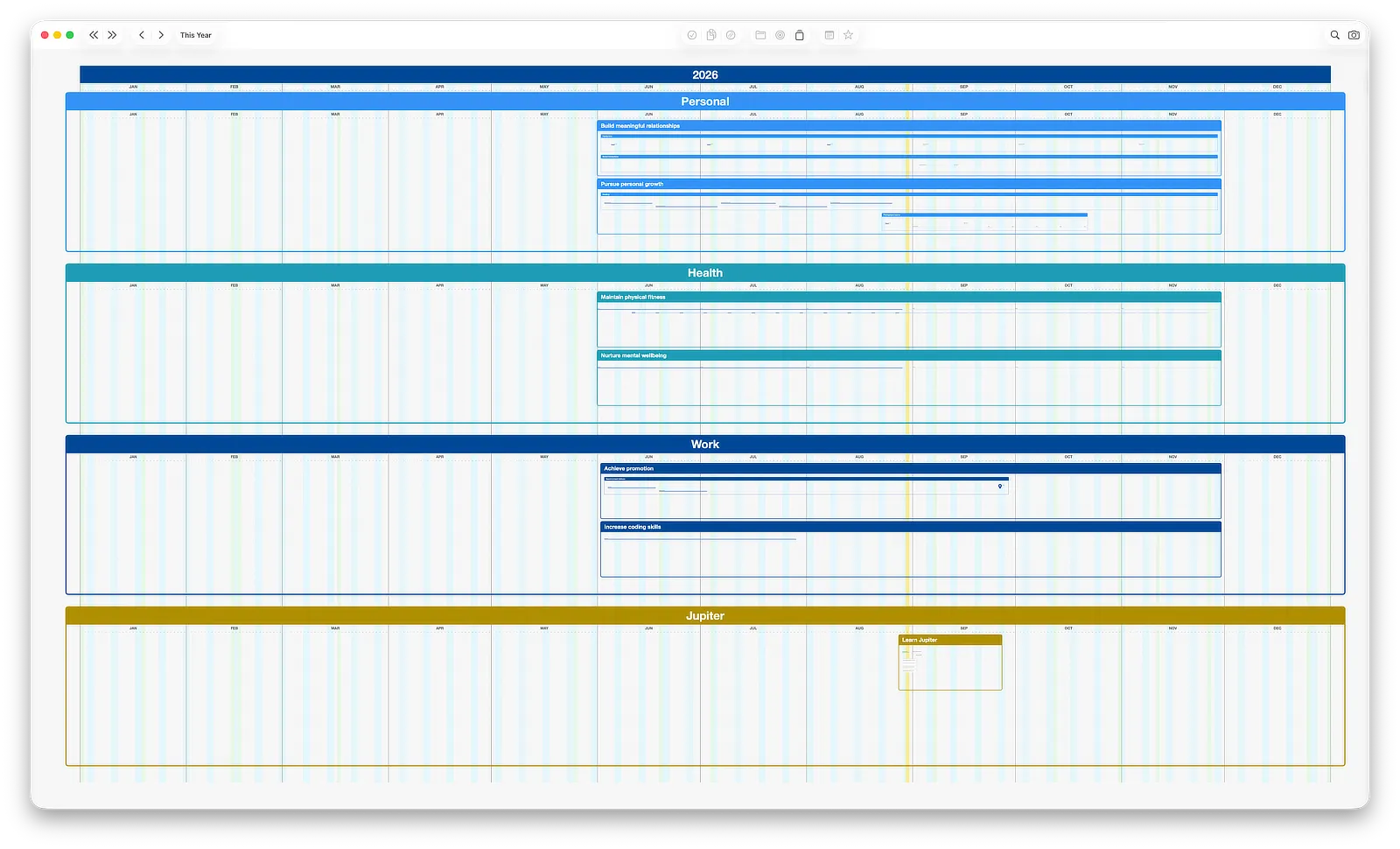
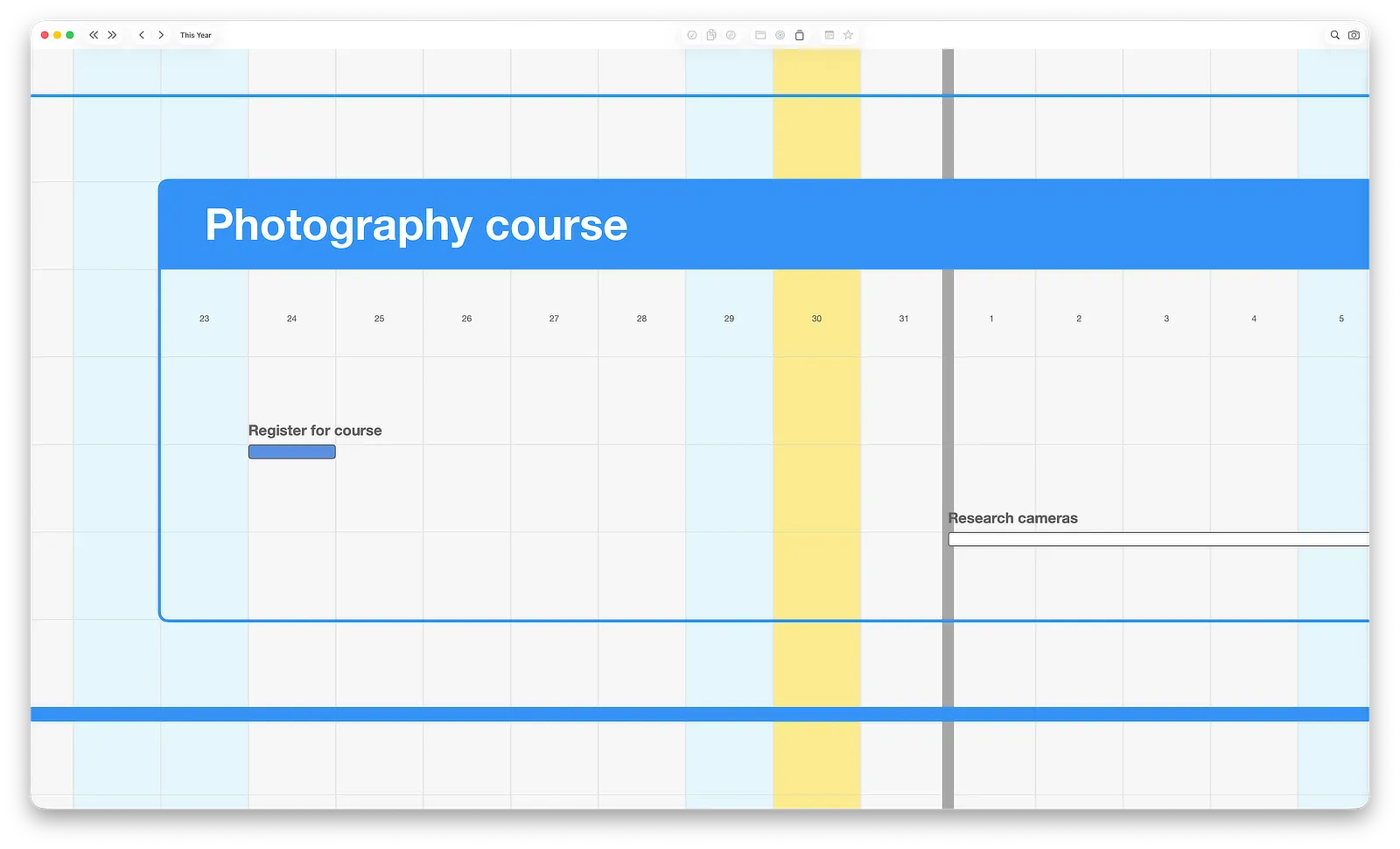
One more thing makes the canvas work: zoom. Pull back and you see the shape of an entire year. Zoom in and you’re looking at this week’s work. Your biggest ambitions and today’s tasks are the same map at different altitudes, and moving between them takes a gesture.
Plans change, and that’s the point
Section titled “Plans change, and that’s the point”Jupiter assumes your plan will change, because real plans do. Life happens: projects take longer than expected, priorities shift, new things arrive. On the canvas, changing a plan means dragging things, not rebuilding documents. And not everything needs a deadline or a full breakdown. Some items on your map will be precise; others are just a rough shape in the right month, sharpening as you learn more. The map holds both.
What you’ll do in this guide
Section titled “What you’ll do in this guide”- First Launch — get oriented with the sample plan Jupiter opens with
- The Canvas — learn to move around: scroll, zoom, jump to today
- Dimensions — set up the areas of your life
- Goals, Projects, and Actions — build your first real plan
- Statuses — the ten-second daily habit that keeps your map alive
Requirements
Section titled “Requirements”Jupiter runs on macOS 14 or later, on Apple Silicon and Intel Macs. Your data stays entirely on your Mac: no account, no cloud, nothing to set up.
Next: First Launch →