The Canvas
Everything in Jupiter happens on the canvas, so a minute learning to move around pays for itself immediately. There are only three moves: scroll, zoom, and jump.
Scrolling
Section titled “Scrolling”The canvas is bigger than your window in both directions. Scroll with two fingers to move around it:
- Horizontally moves through time — left toward the past, right toward the future.
- Vertically moves through your Dimensions.
There are no pages or views to switch between. Your whole plan is one continuous surface, and scrolling is how you travel it.
Zooming
Section titled “Zooming”Zoom is what makes one canvas able to hold both your year and your day. From the Canvas menu, or by shortcut:
- Zoom In Cmd+= and Zoom Out Cmd+–
- Actual Size Cmd+0 resets the canvas to 100%
- Or pinch on the trackpad
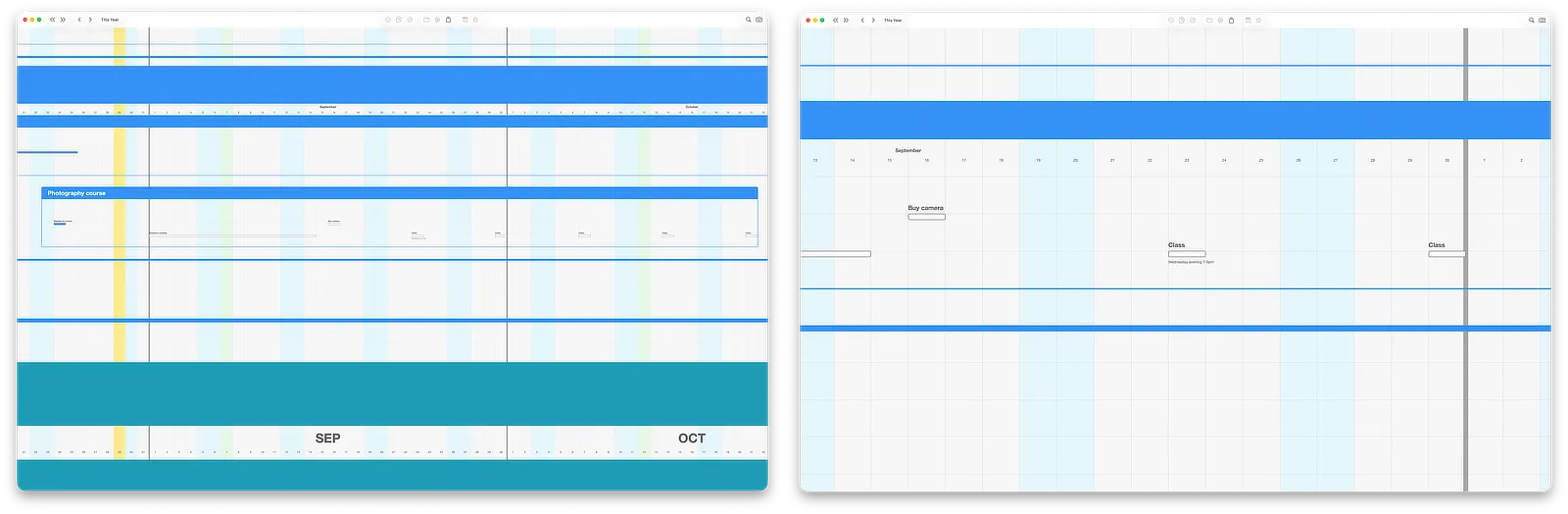
Zoomed out, you see the shape of months: which weeks are full, which goals span which seasons, where things converge. Zoomed in, you see the detail of days: individual actions, their statuses, what’s next. Neither view is the “real” one — planning happens at both altitudes, and moving between them should become a reflex.
Jumping to today
Section titled “Jumping to today”Wherever you’ve wandered, Jump to Today (Cmd+T, in the Canvas menu) brings you back to the present, centered on today’s date. The today marker — the vertical line running down the canvas — always shows you where now is in your plan.
This is the most-used command in Jupiter. Explore freely; you’re always one keystroke from home.
The twelve-month window
Section titled “The twelve-month window”The canvas shows a twelve-month window of your plan at a time. To look further ahead or behind, move the window with the toolbar controls:
- ‹ and › step one month back or forward
- « and » step one year back or forward
- This Year returns the window to the current calendar year
The same moves are in the Calendar menu, with shortcuts: Cmd+← and Cmd+→ for a month, Shift+Cmd+← and Shift+Cmd+→ for a year.
Your plan isn’t limited to a year — items can live anywhere in time — but a year is what you view at once, which keeps the canvas legible.
Try it
Section titled “Try it”In the sample plan, do one lap: zoom all the way out, find the busiest-looking month, zoom into it until you can read individual Actions, then press Cmd+T. That round trip — shape, detail, home — is the core motion of working in Jupiter, and it’s the whole skill this page teaches.
Next: Dimensions →